In today’s digital-first world, local customers rely heavily on Google to find services near them. Whether someone needs repair work, installation, or any home service, their first step is usually a quick search. What they see next can decide whether they contact you or move on to someone else.
One of the most critical elements in your Google My Business profile is your mobile number. It acts as the direct bridge between your business and your customer. If the number is outdated, incorrect, or unreachable, you lose potential leads instantly.
Glorious Service understands this clearly and is taking a focused step forward:
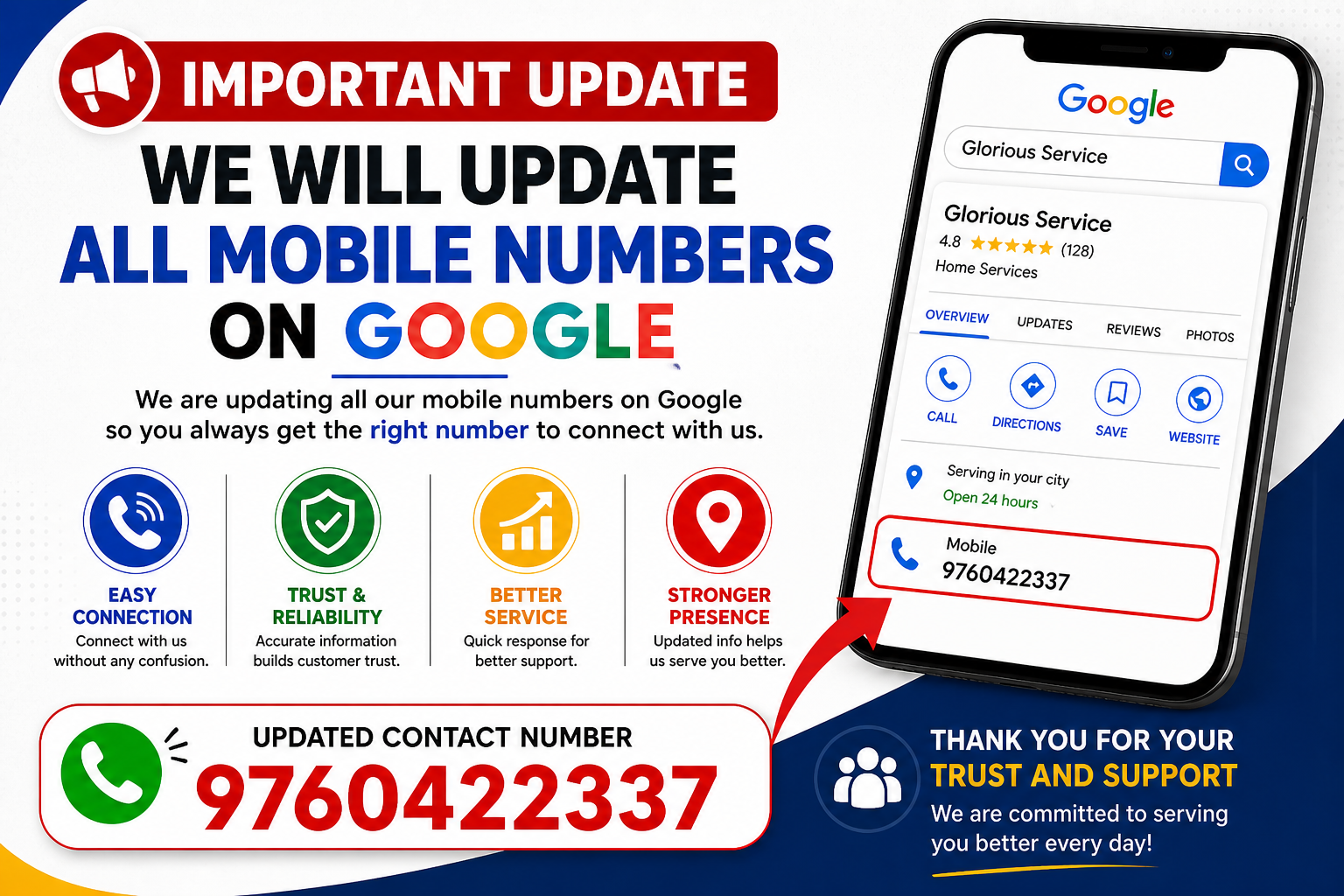
“We will update all mobile numbers on Google.”
This article explains everything you need to know about updating your mobile number on Google My Business, why it matters, how to do it properly, and how it helps improve your local SEO and customer trust.
Why Updating Your Mobile Number Is So Important
1. Direct Customer Connection
Your mobile number is often the first interaction point. When a user clicks “Call,” they expect instant communication. A correct number ensures that connection happens without delay.
2. Builds Trust and Credibility
Customers trust businesses that have accurate and working contact details. A wrong or unreachable number creates doubt and pushes customers away.
3. Improves Local SEO Ranking
Google favors profiles that are complete, accurate, and regularly updated. Keeping your mobile number current signals reliability and boosts your visibility in search results.
4. Increases Conversions
More accurate calls mean more inquiries, which means more conversions. A simple update can directly impact your revenue.
Glorious Service Update Initiative
At Glorious Service, the goal is simple: make customer communication smooth and reliable.
“We will update all mobile numbers on Google” means:
- Every listed number will be verified and active
- Customers will always reach the correct contact
- No missed opportunities due to wrong information
This step ensures better service delivery and stronger customer relationships.
Step-by-Step Guide to Update Mobile Number
Updating your number on Google My Business is simple if you follow these steps:
Step 1: Sign In
Log in to your account using the Gmail ID linked to your business profile.
Step 2: Access Your Business Profile
Search your business name on Google and open your profile dashboard.
Step 3: Click “Edit Profile”
Go to the edit section where your business details are listed.
Step 4: Update Contact Information
Find the phone number field and replace the old number with your new mobile number.
Step 5: Save Changes
Click save to apply updates.
Step 6: Complete Verification
In some cases, Google may ask for OTP verification to confirm the change.
Best Practices While Updating Your Number
Use an Active Number
Always provide a number that is available and attended during business hours.
Maintain Consistency
Your phone number should match across all platforms—website, listings, and directories.
Include Country Code
Using +91 for Indian numbers improves clarity and accessibility.
Ensure Quick Response
Make sure someone is available to answer calls. A missed call can mean a lost customer.
SEO Benefits of an Updated Mobile Number
NAP Consistency
NAP stands for:
- Name
- Address
- Phone Number
Consistency in these three elements across the internet strengthens your credibility with Google.
Higher Local Ranking
Accurate contact information improves your chances of appearing in local search results and map listings.
Better User Engagement
When users can reach you easily, they are more likely to interact, leave reviews, and recommend your services.
Strategy for Glorious Service
To get the best results from this update, Glorious Service should follow a structured approach:
Standardize One Main Number
Use one primary number across all platforms.
Remove Outdated Numbers
Eliminate any old or inactive numbers immediately.
Monitor Call Activity
Track incoming calls and ensure timely responses.
Train Staff for Call Handling
Professional communication during calls improves customer experience.
Common Mistakes to Avoid
Incorrect Number Entry
Even a small typo can lead to lost business.
Frequent Changes
Avoid updating numbers too often, as it may affect trust and verification.
Ignoring Verification
Always complete the verification process to make updates live.
Not Answering Calls
An updated number is useless if calls go unanswered.
What to Do After Updating Your Number
Test Your Number
Search your business and make a test call to confirm everything is working.
Ask for Customer Feedback
Check if customers can easily reach you.
Keep Profile Active
Regular updates, posts, and images keep your profile engaging.
Long-Term Benefits
Updating your mobile number consistently offers several long-term advantages:
- Increased visibility on Google
- Higher customer trust
- More incoming calls
- Improved conversion rates
- Stronger brand presence
Pro Tips for Local Business Growth
Keep Information Updated
Don’t wait too long to update changes. Accuracy is key.
Stay Consistent Everywhere
Your number should remain the same across all platforms.
Engage With Customers
Answer calls, respond to queries, and build relationships.
A Strong Commitment
Glorious Service is committed to providing reliable and accessible service to every customer.
We will update all mobile numbers on Google
This ensures:
- Every customer reaches the right contact
- No confusion or missed calls
- Better service experience
Conclusion
Updating your mobile number on Google My Business may seem like a small task, but its impact is significant. It directly affects how customers reach you, how Google ranks you, and how your business grows.
For Glorious Service, this update is not just a technical change—it’s a commitment to better communication, improved service, and stronger customer trust.
A correct mobile number is more than just contact information.
It is the first step toward building lasting customer relationships and driving business success.